Disclaimer: This post is for educational and informational purposes only and does not provide financial advice or investment guidance.
Introduction
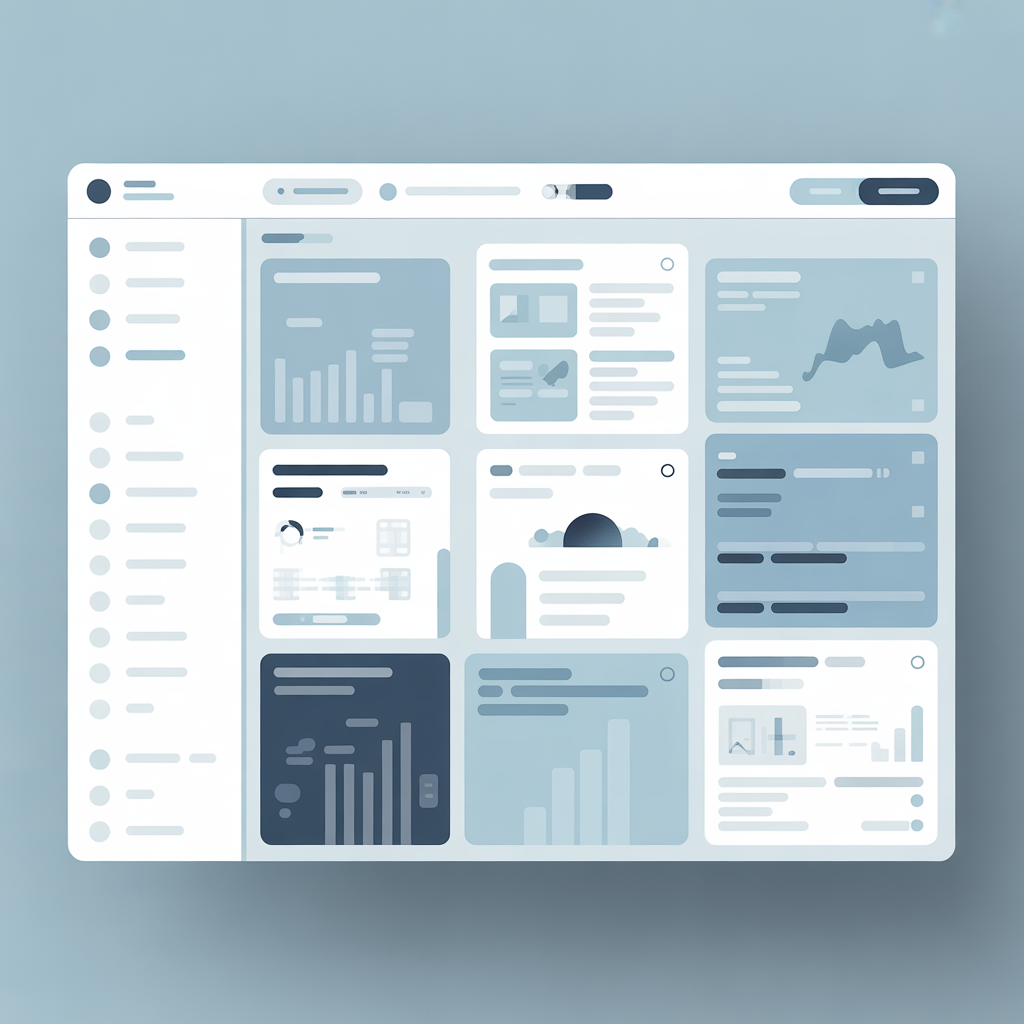
Enterprise portals are designed to present large volumes of internal information in a structured and accessible way. Unlike public-facing websites, these platforms prioritize clarity, consistency, and logical navigation over visual marketing elements. This post explains how information is commonly organized within enterprise portals and how navigation systems are structured to support efficient access.
The content is presented from an educational and observational perspective without referencing or reproducing any proprietary systems.
The Role of Information Architecture in Enterprise Platforms
Information architecture is the foundation of any enterprise portal. It defines how content is grouped, labeled, and connected. A well-designed structure allows users to understand where information is located without requiring detailed instructions.
Most enterprise platforms rely on hierarchical organization. Content is divided into primary sections, secondary pages, and supporting resources. This approach helps reduce complexity and improves orientation within the system.
Common Navigation Models Used in Corporate Portals
Enterprise portals typically use a limited number of navigation models to maintain consistency.
Top-Level Navigation
This model places primary sections at the top of the interface. It is commonly used when the platform includes a manageable number of core categories.
Side Navigation Panels
Side panels allow deeper content hierarchies and are often used in platforms with extensive documentation or multiple functional areas.
Hub-Based Navigation
In hub-based models, users access grouped content areas through central landing sections. Terms such as fca hub or corporate hubs are often used to describe this structure in an educational context.
Content Grouping and Categorization
Effective portals group information by purpose rather than by department names alone. This may include categories such as announcements, reference materials, internal guides, or platform overviews.
Platforms described as employee central environments often apply this method to ensure that users can locate relevant content based on use cases rather than organizational structure.
Consistent naming conventions and predictable category placement play a key role in reducing confusion.
Visual Cues and Layout Consistency
Visual elements support navigation by reinforcing structure. Spacing, alignment, and color contrast help distinguish between sections without relying on excessive labels.
Enterprise portals typically avoid decorative design in favor of neutral layouts. This approach ensures accessibility and reduces cognitive load, especially when users interact with the platform regularly.
Educational Observations on Portal Usability
From an informational perspective, portal usability depends on how well navigation aligns with user expectations. When menus follow consistent patterns, users can transfer knowledge from one section to another without re-learning the interface.
Platforms discussed under labels such as digital hubs or chrysler hub are often referenced in educational materials to illustrate how large organizations approach structured navigation, without implying direct interaction or endorsement.
Conclusion
Enterprise portals rely on structured information architecture and predictable navigation models to support clarity and usability. By organizing content logically and maintaining consistent layouts, these platforms help users access internal information efficiently. Understanding these design principles provides insight into how corporate digital environments are commonly built and maintained.
Disclaimer: This post is for educational and informational purposes only and does not provide financial advice or investment guidance.
